What R6 Crusader Is
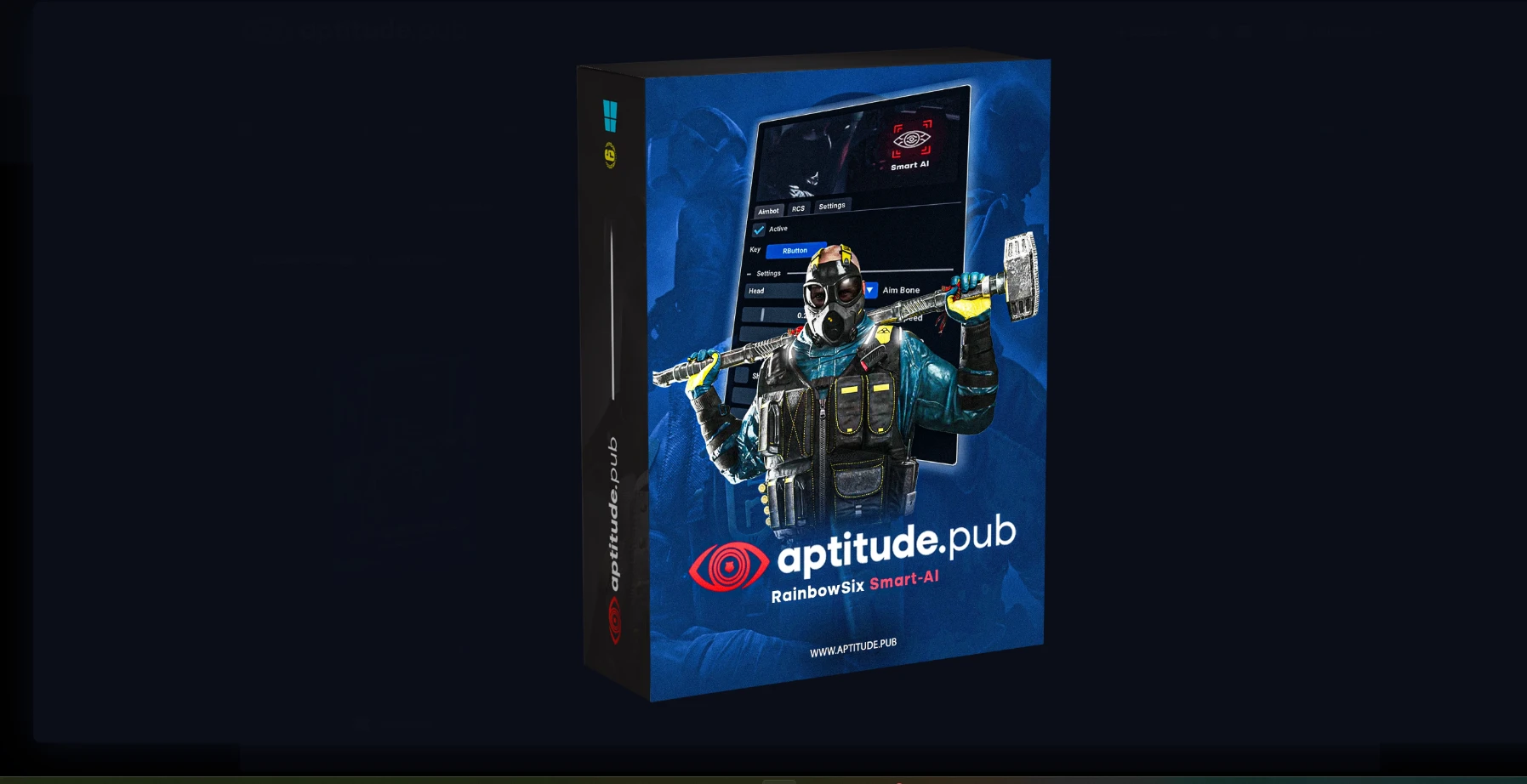
R6 Crusader is a Rainbow Six Siege enhancement tool that combines an active aimbot with a full suite of player and gadget ESP. It is built for Siege players who already know what an aimbot does and want one that is configurable rather than locked to a single behavior.
The product is an external tool, so it runs as a separate overlay on top of the game rather than injecting into the game process. For buyers deciding between external and internal options, that distinction matters for how it interacts with your system, and it is one of the first things to understand before you buy.
What the Feature Set Covers
R6 Crusader is organized into three blocks: aimbot, visuals, and miscellaneous helpers. Each block has its own toggles, so you can run the ESP without the aimbot, or the aimbot without the ESP, depending on what you are doing in a match.
Aimbot
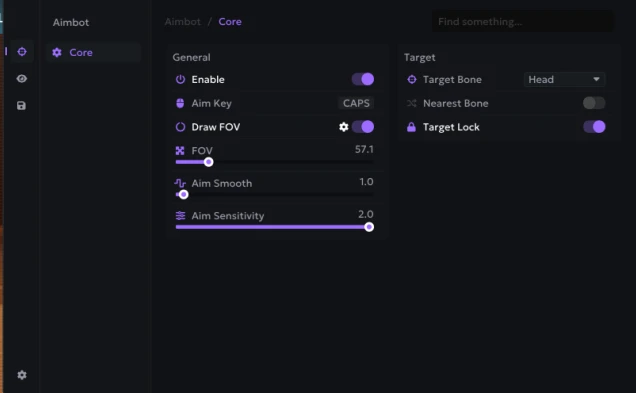
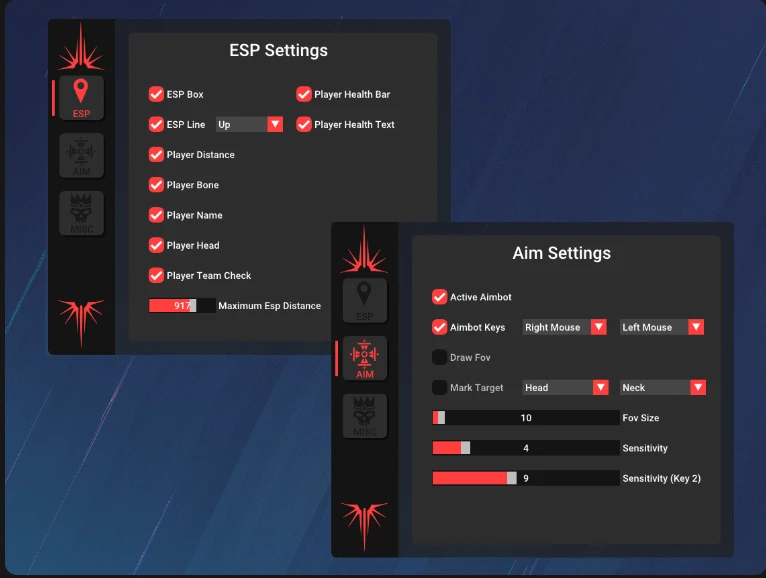
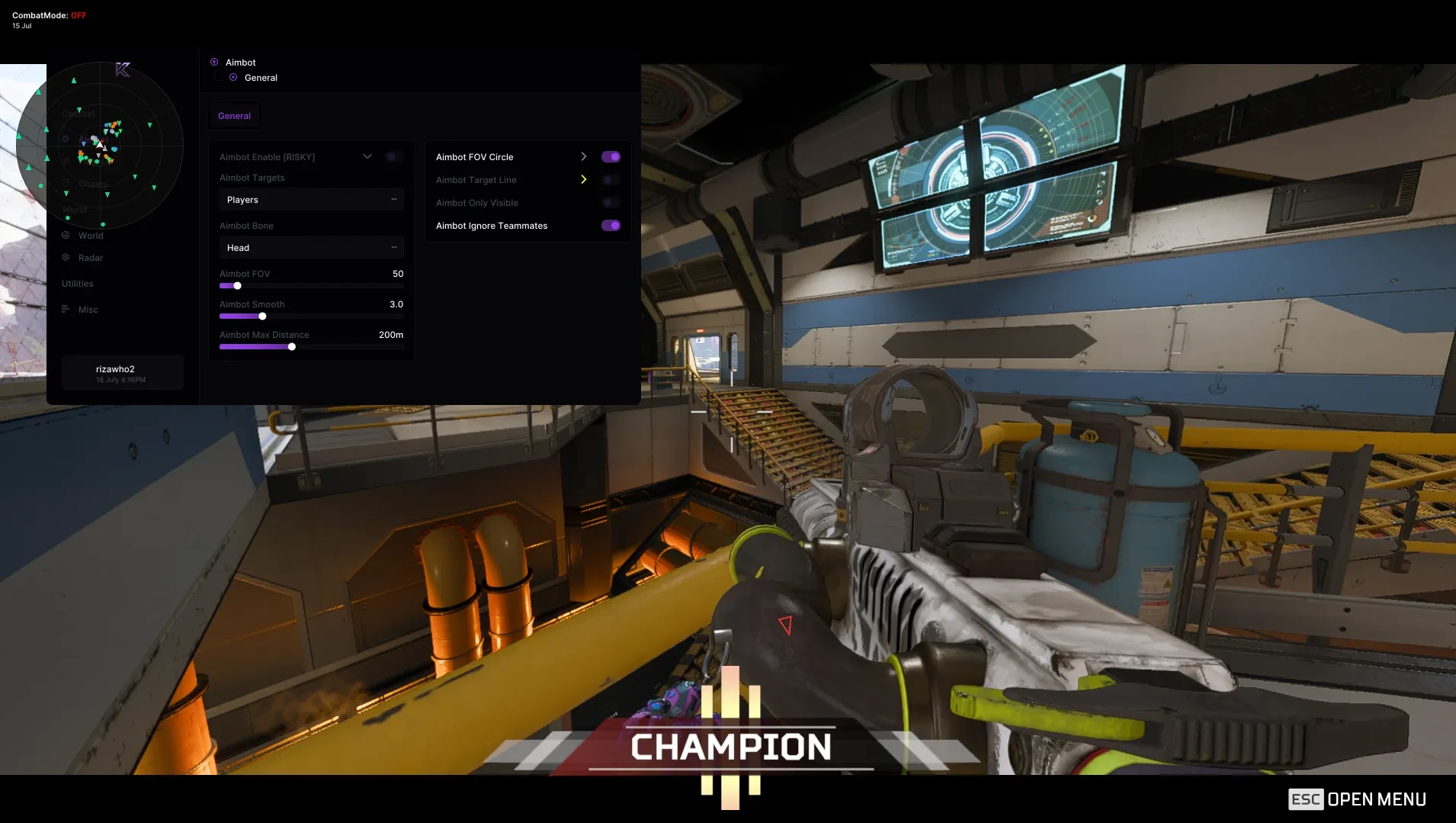
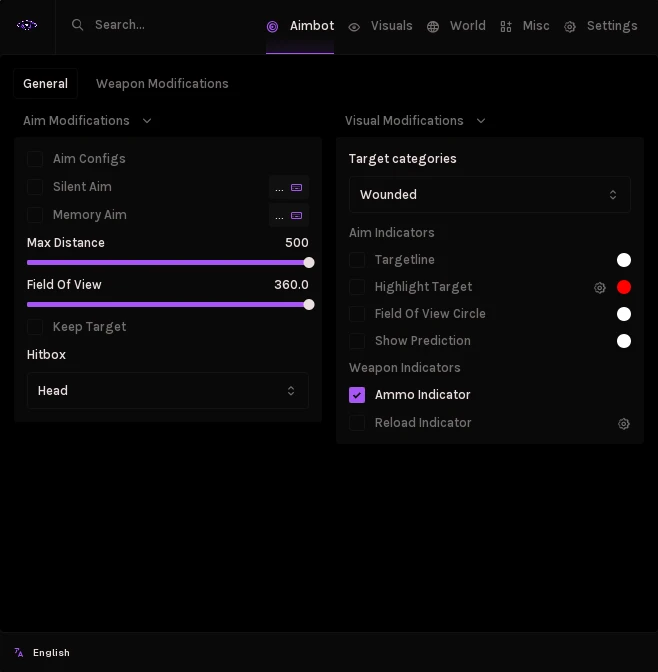
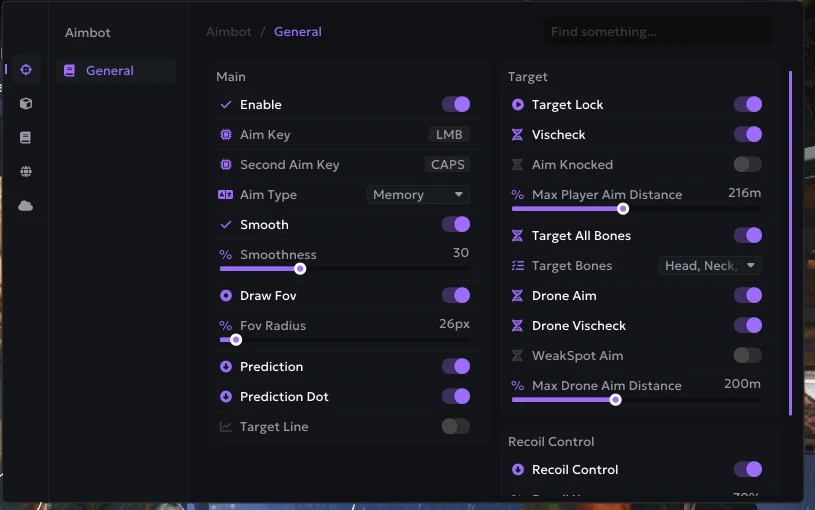
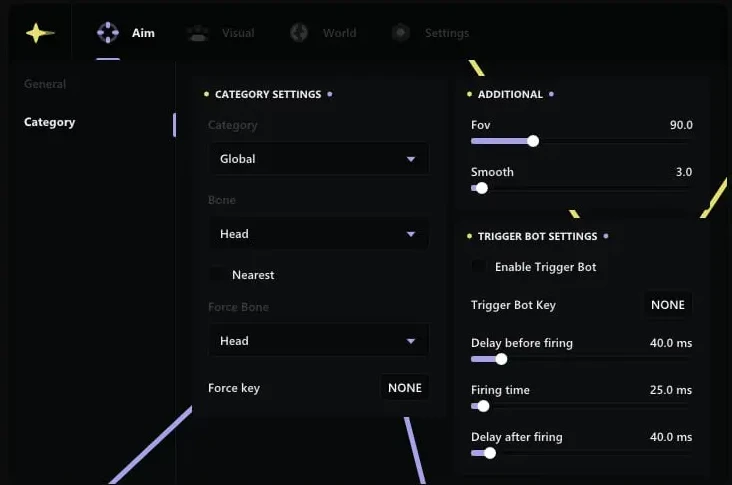
The aimbot section has the controls you would expect from a serious configurable aim. You get an on/off switch, a key binding for activating it, FOV size, hitbox selection, sensitivity, and a mark-target toggle. The ability to select head hitboxes separately through the ESP settings is a deliberate design choice: many players run body aim for their main play and switch to head aim for key moments.
Visuals and ESP
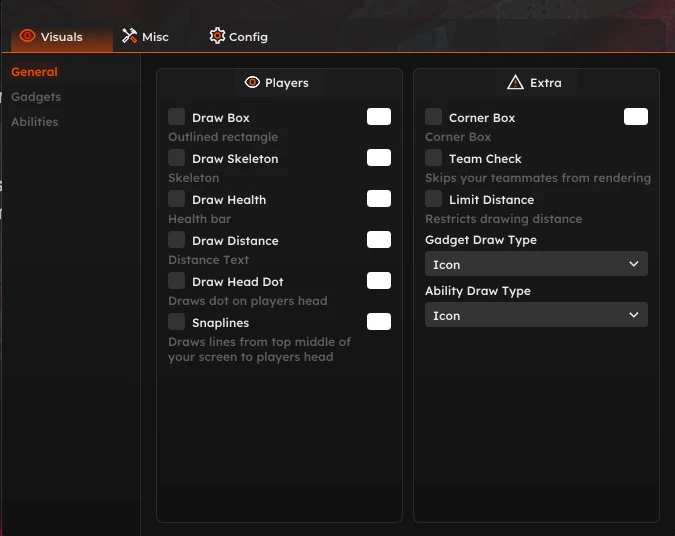
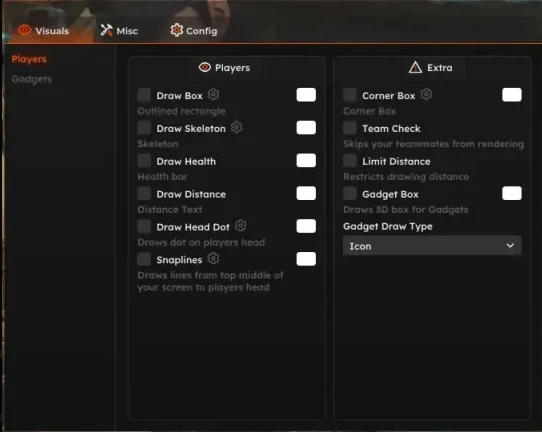
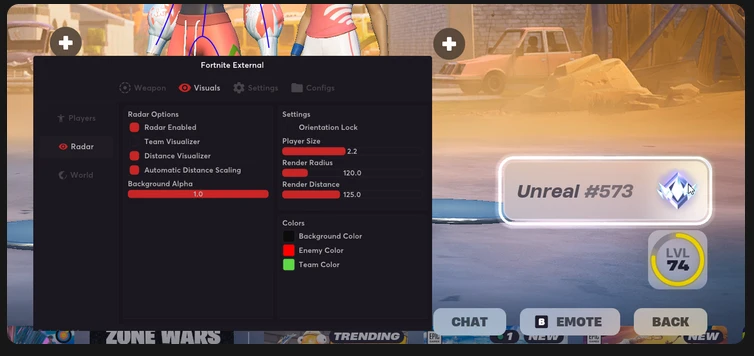
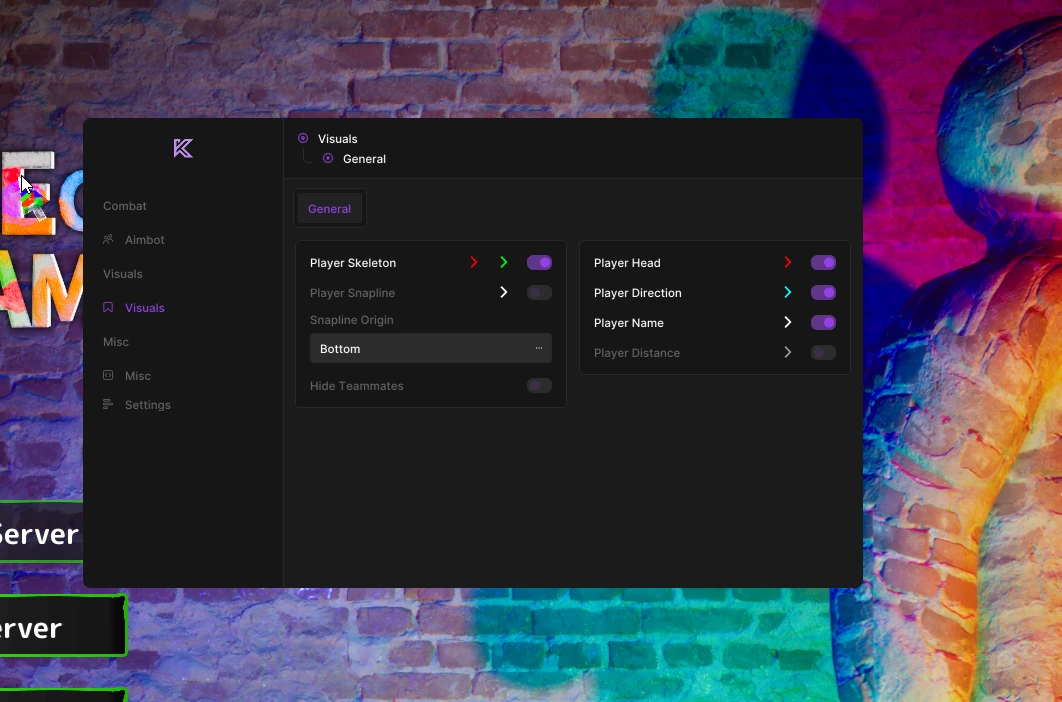
The player ESP is the most detailed part of the product. It draws boxes, lines, and skeletons around opponents, shows player distance, displays names, tracks health as a bar or text, and includes a team check so you can filter by team. You control maximum render distance, so you can cut the overlay down in close-quarters maps or let it reach across open ones.
The gadget ESP covers the Siege tools that decide rounds: it surfaces drones, claymores, breach devices, cameras, proximity alarms, and bulletproof cameras. Pair that with the misc options such as hit damage effects and you have a tool built for information, not just aim.
Who It Is For and Who It Is Not For
R6 Crusader suits two kinds of buyers: the Siege player who wants a single tool that does both aim and information, and the player who wants granular control over every toggle without a cluttered config. The ESP-first setup is also strong if you mainly want awareness and only want aim assist in specific fights.
It is not for you if you want a hardware DMA solution, a kernel-level product, or something that streams clean to an audience. This is an external overlay tool, and like any external product it can show on a displayed capture depending on how your streaming pipeline is set up. Know that going in.
System Requirements and Windows Configuration
The listed requirements are deliberate and short: an Intel or AMD CPU, and Windows 10 or 11. There is no specific high-end GPU required because the overlay does its drawing at a light level, but a clean Windows install will always behave better than a machine carrying years of conflicting software.
Before setup, disable or whitelist the tool against your antivirus. Security software is the most common cause of a loader failing to start, and it flags external enhancement tools routinely. You make that exclusion yourself; it is your choice, and you should know why the tool needs it before you allow it.
Close overlay-heavy software before launching: Discord overlays, GeForce Experience, Rivatuner, and any other always-on-top UI can interfere with the external render. Two or three overlays fighting for screen space is a support ticket waiting to happen.
What Is Included and How Delivery Works
Your purchase is a license key. After checkout, you receive the key with instructions for downloading the loader. The loader manages the session, and you log in with that key to launch the tool against Siege.
Check the product page for the exact license scope and delivery mechanics before you buy, because those are the details that vary. One figure you should confirm is how many machines your license covers, since that decides whether you can run it on a secondary rig.
Setup, Step by Step
Prerequisites up front: a working Siege install, the exact product version that matches your current game build, a disabled or configured antivirus exclusion, and Secure Boot left as you normally run it. Do not install anything else between these steps.
- Close Siege completely, including the background processes the launcher leaves running.
- Download the loader from the link in your purchase confirmation.
- Add an antivirus exclusion for the loader folder. Do not disable the rest of your antivirus.
- Run the loader as administrator and enter your license key.
- Launch Rainbow Six Siege, then wait for the loader to attach to the game window.
- Open the config panel and start with the ESP only. Verify boxes and distance render before you touch the aimbot.
- Bind your aim key, set FOV and sensitivity to low values, then work up after a few sessions.
Mistakes That Cause Most Support Tickets
Most tickets come from a handful of avoidable mistakes. The first is running the loader without administrator rights and then wondering why it will not attach. The second is installing the tool while an old, since-removed version of any other enhancement software is still present on the machine.
The third is launching with a conflicting overlay active. The fourth, and the one users least expect, is testing during a game patch window when the product build has not yet caught up. Check the product page for live status before buying or updating during a Siege season drop.
Troubleshooting the Likely Failure Points
If the loader will not start, the antivirus exclusion is the first thing to verify, then confirm you are running as administrator. If the ESP renders but the aimbot does not respond, your aim key is not bound or is bound to a key already in use by Siege itself; rebind it to something the game does not touch.
If nothing renders in-game at all, the loader has not attached. Restart Siege, then restart the loader, and check that the game build matches the product version. If distance and boxes show but names and health do not, you likely have the team check filter set to hide your own team while expecting to see them, or the max distance slider is set too low.
When a Siege patch lands and the tool stops working entirely, that is expected behavior, not a broken product. The current build was written against the previous game version.
Frequently Asked Questions
Does R6 Crusader work with a spoofer included?
No. R6 Crusader does not list a spoofer among its features. If you want hardware ID cleanup as part of the purchase, that is a separate consideration, and you would evaluate options in the R6 category that include one.
Can I turn off the aimbot and run ESP only?
Yes. The aimbot and visuals are independent toggles. Many buyers run ESP first and enable the aimbot only after they trust their config.
Is an external tool safer than an internal one?
External means the tool does not inject into the game process, which is a different interaction model. No claim of safety applies to any product in this category, and nothing here is undetected forever. Treat detection status as a snapshot and check the product page for the live status.
How many machines does one license cover?
That figure is on the product page and can change. Confirm it before you buy if you plan to run the tool on more than one PC.
What happens when Rainbow Six Siege updates?
A game patch normally breaks the current build until an update ships. Check the product page during season launches to see whether the tool is up, down, or being updated before you purchase.
Limitations and Honest Expectations
An external overlay reads the game window and draws on top of it. That works well on a primary display, but it is visible in captured footage unless you account for it when streaming or recording. It also depends on a stable game build, so major Siege updates mean downtime while the product catches up.
The aimbot is a configurable tool, not a guarantee of wins. Detection status changes with every anti-cheat update, and no seller can promise otherwise. Buy the tool for what it is: a configurable aid for a game you already play.
Risk and Terms of Service
Using R6 Crusader violates Ubisoft's terms of service for Rainbow Six Siege. It can result in a permanent ban of the game account, and in some titles a hardware or account-family ban. You use it at your own risk, on an account you can afford to lose, and ideally on a secondary account rather than your main.
Illusion's refund policy is discretionary. Refunds are not offered for any set reason; the main circumstance would be a product that simply does not work on your machine after all options are exhausted. Read the R6 Crusader refund policy on the product page before purchasing so you know exactly where you stand.
Ready to Configure R6 Crusader
R6 Crusader rewards a buyer who reads the config and tests one feature at a time. Start with the ESP, verify your overlay is clean, then tune the aimbot from conservative settings upward. That order prevents most of the frustration this product category causes.
See the full R6 Crusader product page for the complete feature list, price, and live detection status, or browse the rest of the R6 products category for unlock and ESP alternatives.